Take a look at these gameplay images to get a first impression of the Quiz and Run app and its functions.
Install the app from the app store
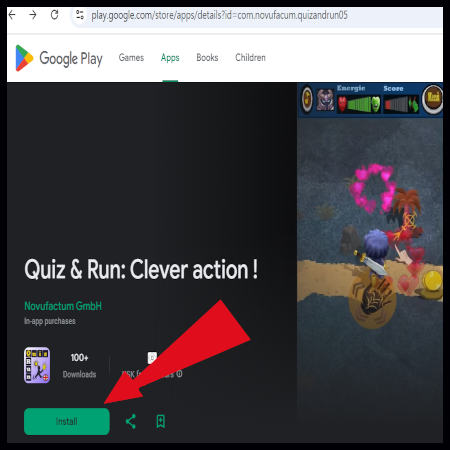
The download page on this website takes you directly to Quiz and Run in Google Play for Android or the iOS App Store for Apple devices. You can install the app free and start playing right away!
App start and new game
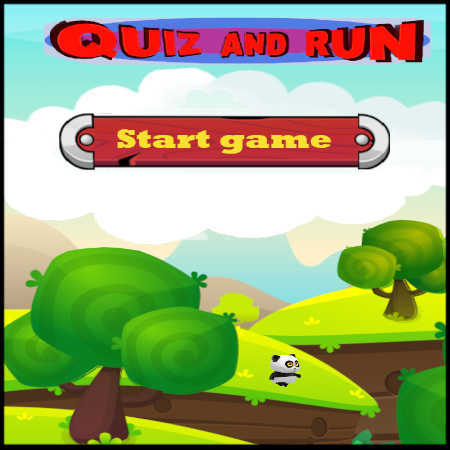
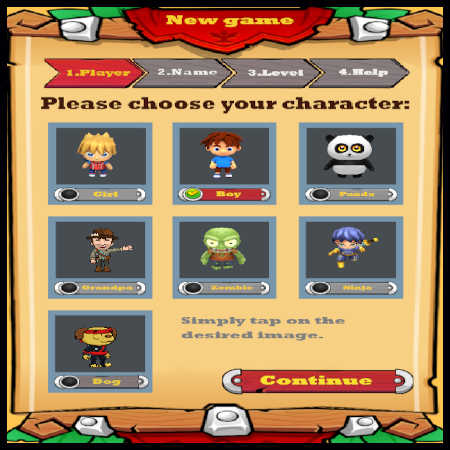
Whenever you open the installed app on your smartphone or tablet, the start screen appears first. Press Start to continue an existing mission or begin a new campaign. For a new game, you make several choices, including the appearance of your character.
Opponents and bonus objects
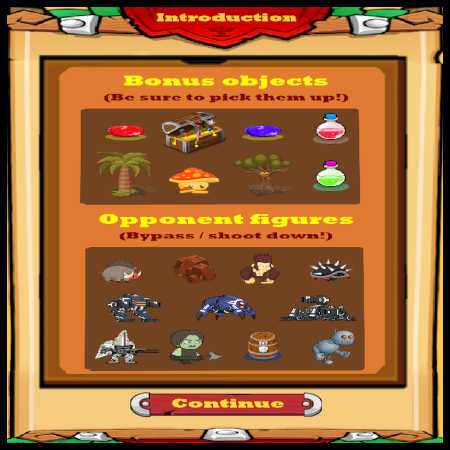
At the beginning of a new campaign, you see the most important opponents and bonus characters you will meet during the missions. They have different abilities and effects.
Your character in action
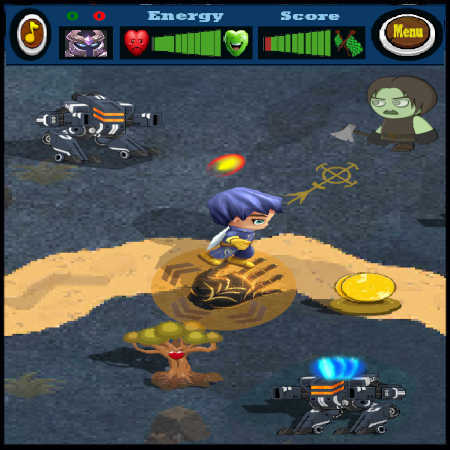
On your way through the missions, you encounter different bonus characters and opponents. In this example, you chose the ninja character and meet the tank and zombie opponents.
Text quiz question
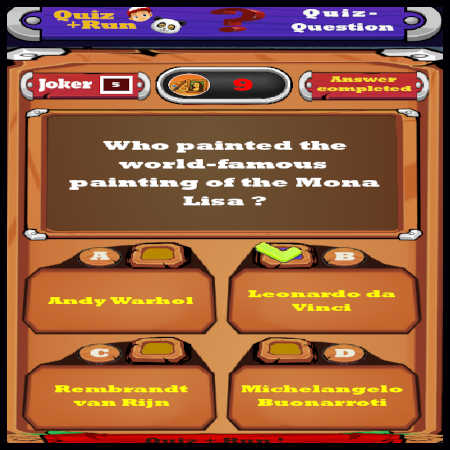
This is what the quiz screen looks like when you are asked a text question in countdown mode. Only one of the four answer options is correct, and you must select it before the countdown ends.
Quiz result display
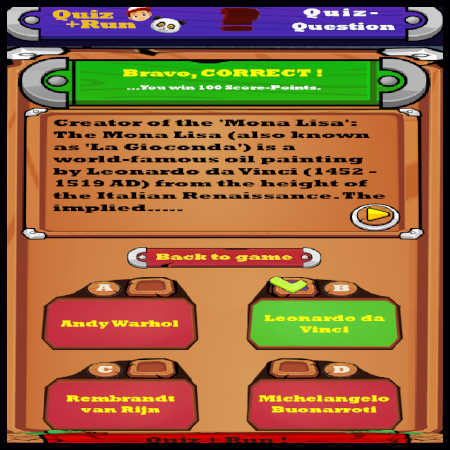
When the countdown for a text quiz question ends, the result display appears automatically with additional knowledge information about the answer.
Game menu
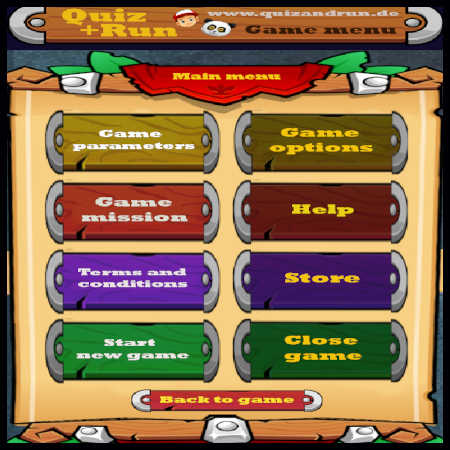
You can open the game menu at any time during a mission. Its opening screen offers various functions, options and information to choose from, making the game easier to use and control. Gameplay pauses automatically while you are in the game menu.
Game options
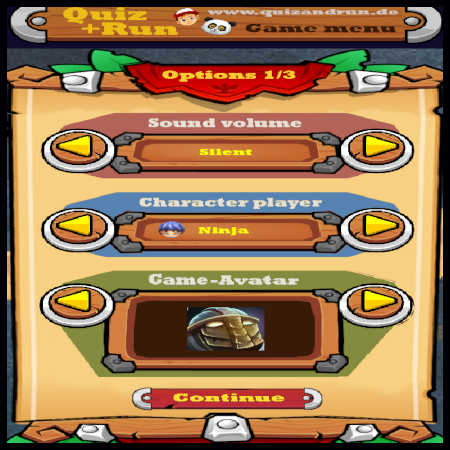
The Game Options section lets you customise the gameplay to your preferences, including the background music, your character design, visual effects and much more.
Picture quiz question
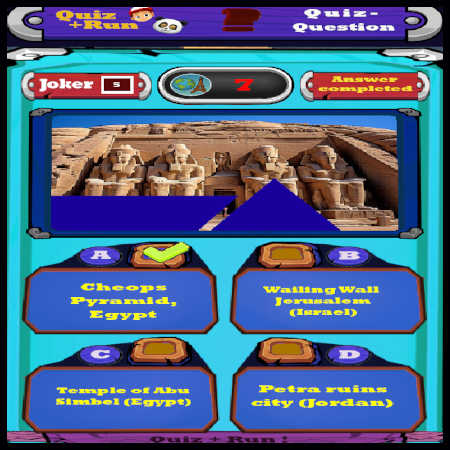
In addition to text questions, the quiz can also present picture questions. You must identify a partly concealed image before the countdown ends. Again, only one of the four answer options is correct and must be selected in time.
Game won
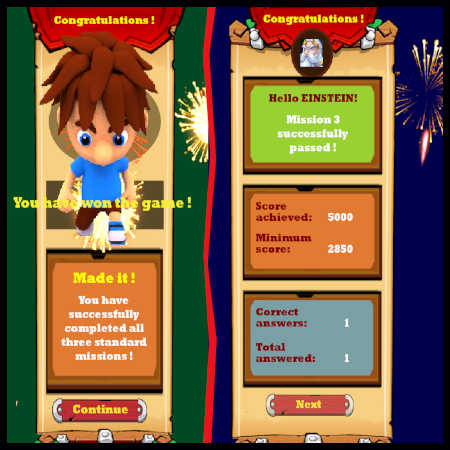
Once you have completed every mission in a campaign, you have won the game and are celebrated with a short animation. You also see the most important game results and can then start a new campaign.
Quiz answer history
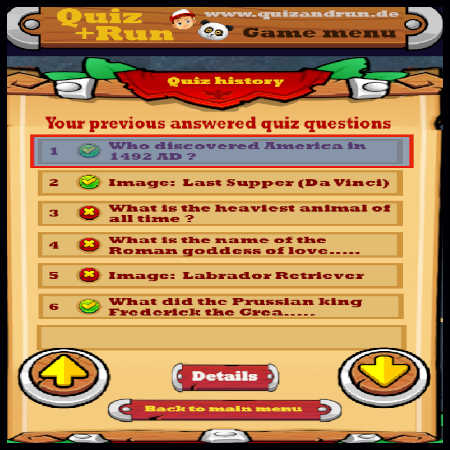
You can review all quiz answers given during the current campaign at any time in the game menu’s quiz history. A detailed view with additional information is also available for every question and image, helping you deepen the learning effect of the knowledge game.
Knowledge hierarchy game objective
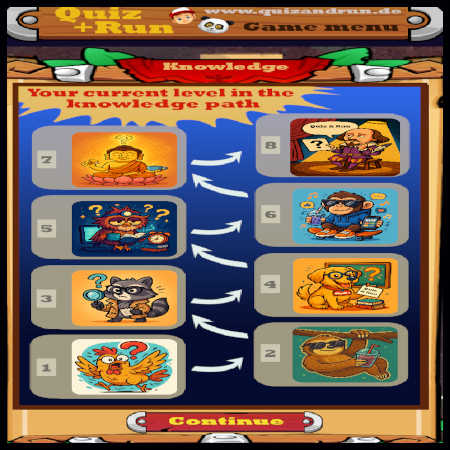
The objective is to reach the highest knowledge level. The knowledge-level overview in the game menu shows your current position and which levels you can still achieve.
Upgrade to the expert version
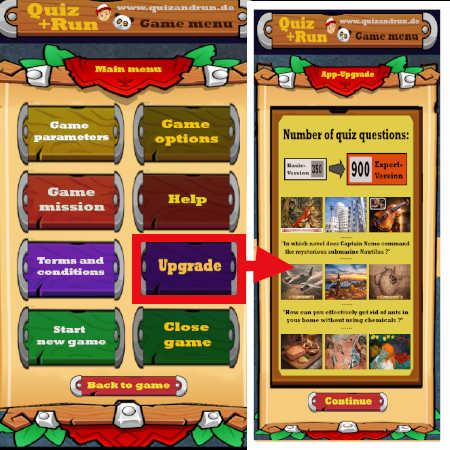
If you have played Quiz and Run frequently and the quiz questions begin to repeat, it is time for an upgrade!
The upgrade menu takes you directly to the app store, where you can purchase the expert version.
It contains three times as many quiz questions and missions as the basic version, as well as more player characters, opponents, weapons and additional functions. This gives you much more long-lasting fun with Quiz & Run.
Back to top↗Back to home↗